4GAEOP
  • Home
  • Resources
  • Shortcuts and Timesavers
  • Microsoft 365
  • Excel One
  • Excel Two
  • EXCEL THREE
  • The Art of Sway
  • PowerPoint
  • OneNote
  • Publisher
  • Google
    • Google
    • Google Draw and Forms
  • Adobe Forms
  • Word Basics
  • Outlook Basics
  • Outlook Advanced / Google Surveys
  • Contact Us
  • Social Media
  • Calendar Tricks

Creating Adobe Fillable Forms

Picture


​Adobe Acrobat XI Pro is a popular PDF editor and converter developed by Adobe. With this software, not only will you be able to modify the style or change the format of PDFs, but create new PDF documents. Adobe Acrobat XI Pro can generate a PDF from any document created in a program with the ability to print, such as Microsoft Office suite (Word, Excel and PowerPoint), simply by selecting Acrobat as your printer. 

Picture

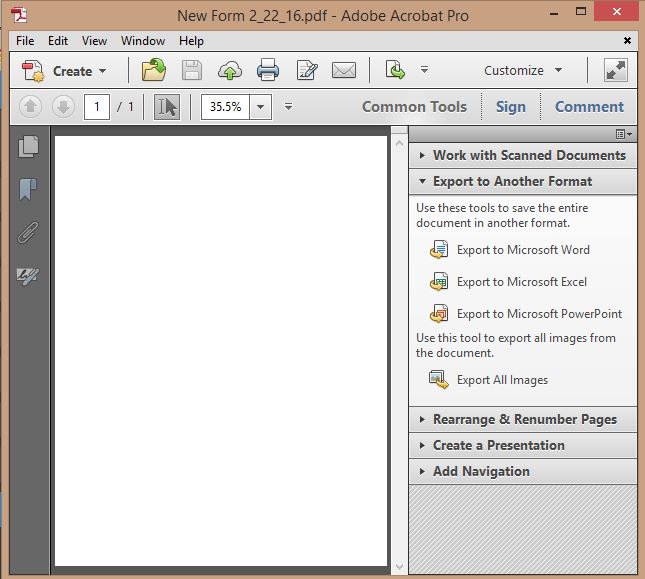
The Acrobat Interface

Picture

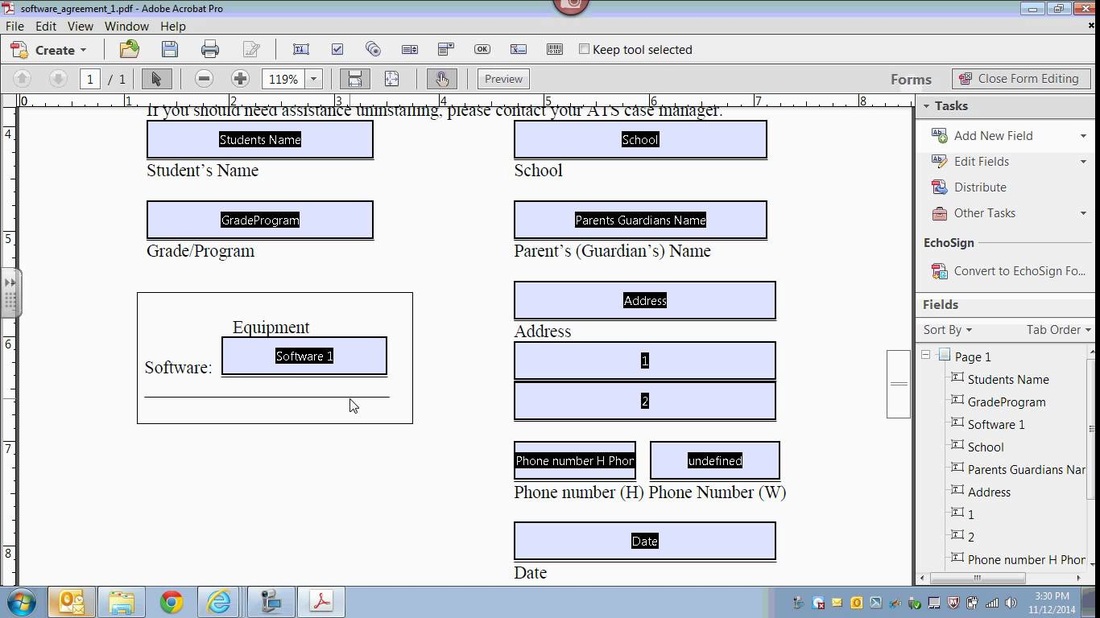
Creating a Fillable Form

Deploy Your Form

Picture

Project:
​Create Your Own Fillable Form

In a group of three you will plan, execute and deploy a form to each other and to the instructor.  You will each create your own form, but work on it together.  The form type will be assigned to your group.

First, design your form on paper to include the types of objects you would like it to include and how it will look.
Second, create the form on your own machines.  
Third, deploy the form by e-mailing it to each other and to the instructor.
Where to Find Help
  • Adobe Creative Cloud Tutorials
  • AcrobatUsers.com
  • Cheat Sheet 
  • Cheat Sheet
Requirements for Your Form
  • Graphic
  • Text Boxes
  • Radio Buttons
  • Check Boxes
  • Drop Down List
  • Home
  • Resources
  • Shortcuts and Timesavers
  • Microsoft 365
  • Excel One
  • Excel Two
  • EXCEL THREE
  • The Art of Sway
  • PowerPoint
  • OneNote
  • Publisher
  • Google
    • Google
    • Google Draw and Forms
  • Adobe Forms
  • Word Basics
  • Outlook Basics
  • Outlook Advanced / Google Surveys
  • Contact Us
  • Social Media
  • Calendar Tricks